Startek ACPL
● RD Service Status: Standby
FM220 / FM220U / L1 Tester
Port 11200 & 11100-11105
Startek FM220 RD Service Test Page Online
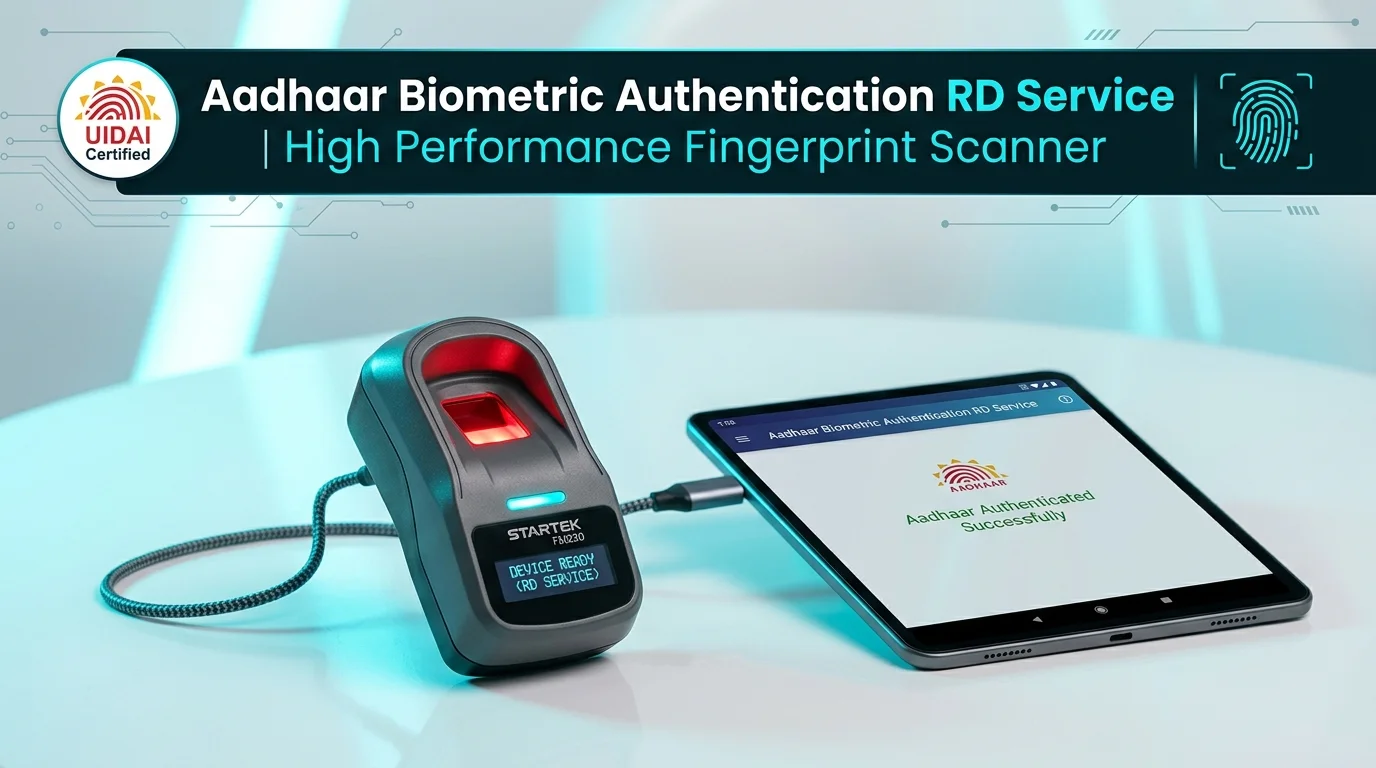
Online diagnostic utility for Startek FM220, FM220U, and FM220 L1 biometric fingerprint scanners. Probe local loopback ports (11200, 11100-11105), verify Registered Device (RD) Service status, extract hardware serial numbers, and test Aadhaar biometric capture for PM-KISAN, AEPS, CSC, and Ayushman Bharat.
Startek ACPL Scanner Diagnostic Controls
Standby
1. Candidate Port Probing & Host Configuration
Startek FM220 Optical Sensor Frame
Idle — Click 'Test Device (Auth)' to illuminate the red optical sensor and capture fingerprint.
==> Startek FM220 Online Diagnostic Terminal Ready.
==> Click 'Scan for Multiport' to probe candidate ports (11200, 11100-11105).
Pre-Flight Diagnostic Checklist
UIDAI COMPLIANT
-
STEP 1
ACPL Startek Service Running:Open
services.mscand verify that ACPL FM220 Registered Device Service is Running. -
STEP 2
Ports 11200 / 11100-11105 Open:Startek RD Service binds to port 11200 or loopback ports 11100-11105 on 127.0.0.1.
-
STEP 3
Direct High-Power USB:Connect directly to a motherboard USB 2.0/3.0 port without passive USB splitters or extensions.
-
STEP 4
Clean Optical Prism:Ensure the scanner glass is free of moisture, dust, and grease for optimal minutiae capture.
Supported Startek Hardware Models
STQC CERTIFIED
| Device Model | Sensor Type | Compliance |
|---|---|---|
| Startek FM220U | Optical 500 DPI | L0 Certified |
| Startek FM220U L1 | Hardware Cryptoprocessor | L1 Mandate |
| Startek FM220 OTG | Micro-USB / Type-C | Android POS |
| ACPL IriTech | Iris Biometric Scanner | UIDAI Iris |
Startek RD Service Error Codes
| Code | Error Name & Troubleshooting Action |
|---|---|
| 0 | Capture Success: Fingerprint template successfully extracted. |
| 700 | Capture Timeout: Finger not placed within the timeout window. |
| 720 | Device Busy: Scanner undergoing initialization or another process. |
| -1307 | Device Locked: Scanner certificate revoked or unregistered. |
| 1001 | Driver Stopped: ACPL service not responding on port 11200. |
Frequently Asked Questions — Startek FM220 RD Service
FAQ & Driver Help
The Startek ACPL RD Service driver commonly operates on port 11200 for secure HTTPS communication, while also listening on UIDAI candidate loopback ports 11100 through 11105 on
127.0.0.1. This tool scans all candidate ports simultaneously to locate your active service.
1. Open Windows Services (press Win + R, type
2. Unplug and reconnect the Startek FM220 scanner directly into a rear USB 2.0 or 3.0 motherboard port.
3. If using HTTPS, ensure your browser has accepted the local driver certificate for
4. Click Scan for Multiport on this page to re-detect the port.
services.msc), find ACPL FM220 Registered Device Service, and click Restart.2. Unplug and reconnect the Startek FM220 scanner directly into a rear USB 2.0 or 3.0 motherboard port.
3. If using HTTPS, ensure your browser has accepted the local driver certificate for
https://localhost:11200.4. Click Scan for Multiport on this page to re-detect the port.
The Startek FM220U L0 performs biometric template encryption in host software drivers. In contrast, the Startek FM220U L1 features dedicated on-chip cryptographic hardware security that digitally signs and encrypts raw biometrics directly inside the scanner body, complying with UIDAI L1 mandatory guidelines.
Click Scan for Multiport until your Startek scanner is detected. Then click Test Device (Auth). The red LED sensor will illuminate. Place your finger firmly on the optical prism. Once captured, the tool displays your quality score (qScore) and confirms Aadhaar PID block generation.
Error 700 indicates a capture timeout—the biometric scanner did not detect a finger placed on the glass within the allotted timeout (default 20,000 milliseconds). Make sure the finger is clean, dry, and centered on the sensor before clicking capture.
Reviews
No reviews yet
Be the first to share your feedback.