Test Next Biometrics fingerprint scanner RD Service online. Verify device initialization, serial number, and biometric capture for Aadhaar authentication.
Next Biometrics Oyster RD Service Test Page
Online diagnostic test utility for Next Biometrics Oyster NB-3023-U-UID and Active Thermal biometric scanners. Automatically probe local Registered Device (RD) Service ports (11100–11105), inspect device firmware and serial numbers, and test live fingerprint capture for Aadhaar, AEPS, CSC, and Ayushman Bharat portals.
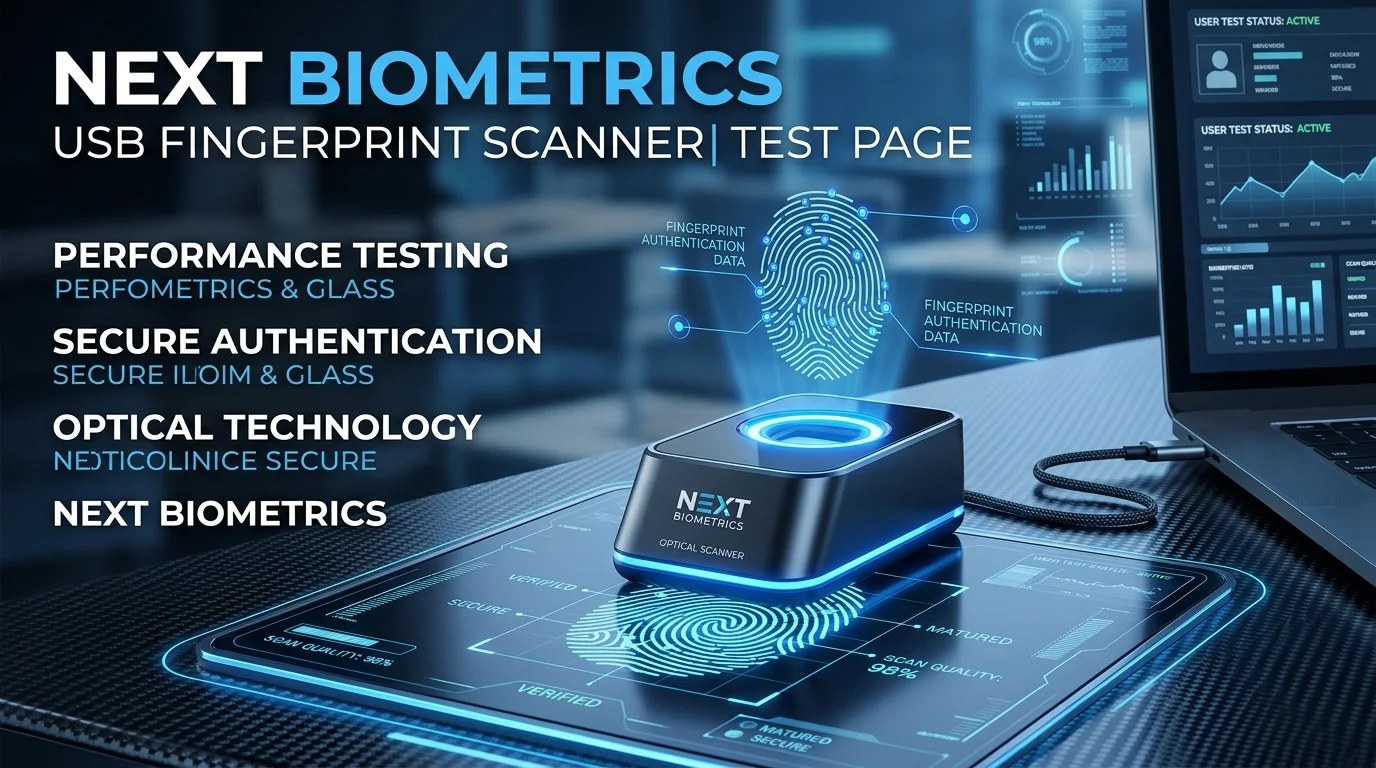
- Connect your Next Biometrics Oyster NB-3023 scanner via USB.
- Ensure the Next Biometrics RD Service driver is active in
services.msc. - Click 1. Run Initialization & Port Scan below to locate the active driver port.
- Use Device Info and Test Device to verify communication and capture quality.
==> Next Biometrics RD Service Test Console Ready.
==> Click '1. Run Initialization & Port Scan' to scan localhost ports 11100–11105.
Confirm Windows Services (services.msc) shows 'Next Biometrics RD Service' as Started.
Firewall must permit loopback communication on 127.0.0.1.
Plug directly into PC motherboard or powered USB port to prevent voltage fluctuations.
Ensure sensor area is clear of debris to maintain optimal thermal contrast.
| Device Model | Technology | Compliance |
|---|---|---|
| Oyster NB-3023-U-UID | Active Thermal | L0 Certified |
| Next Oyster II | Active Thermal FAP20 | L0 / L1 Mandate |
| Next NB-2023 | Compact POS Module | L0 Certified |
| Next NB-0510 | Embedded Sensor | Micro-ATM OEM |
| Code | Status | Recommended Action |
|---|---|---|
0 |
Success | Fingerprint captured with valid quality score. |
700 |
Timeout | Finger placed too late or removed before capture completed. |
720 |
Not Ready | Scanner disconnected or driver restarting. |
-1307 |
Port Lock | Replug USB cable directly into motherboard port. |
1001 |
Service Down | Open services.msc and start Next Biometrics RD Service. |
127.0.0.1 (localhost). If port 11100 is in use by another driver, it shifts dynamically to the next free port in that range.
services.msc, and re-run Initialization.
Reviews
No reviews yet
Be the first to share your feedback.